v0.21.1: Find-in-page bug fixes
Web app to desktop app in minutes
Take your web app codebase and transform it into a cross platform desktop app with native functionality.
 apps powered by todesktop
 Unbounce
 Unbounce
 Unbounce
 Unbounce
 Unbounce
 Unbounce
 Unbounce
 Unbounce
 Unbounce
 Unbounce
 Unbounce
 Unbounce
 Unbounce
 Unbounce
 Unbounce
 Unbounce
 Unbounce
 Unbounce
 Unbounce
 Unbounce
 Unbounce
 Unbounce
 Unbounce
 Unbounce
 Unbounce
 Unbounce
 Unbounce
Unbounce
Unbounce
Unbounce
Unbounce
Unbounce
Unbounce
Unbounce
Unbounce
Unbounce
Unbounce
Unbounce
Unbounce
Unbounce
Unbounce
Unbounce
Unbounce
Unbounce
Unbounce
How it works
Bootstrap straight from your web app
Copy and paste your web app url into ToDesktop. Customise your app design, app icon and window frame UI with no code.
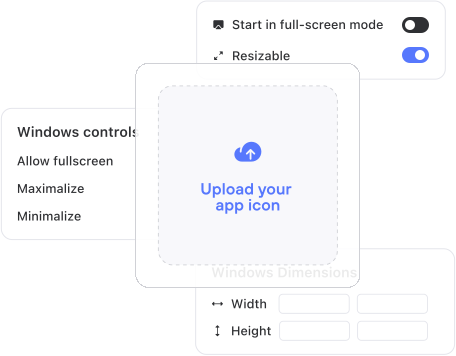
Add desktop code to customise your web app
No need to create a new repository, just add code from our desktop APIs to your codebase and get access to system level functionality.
Publish
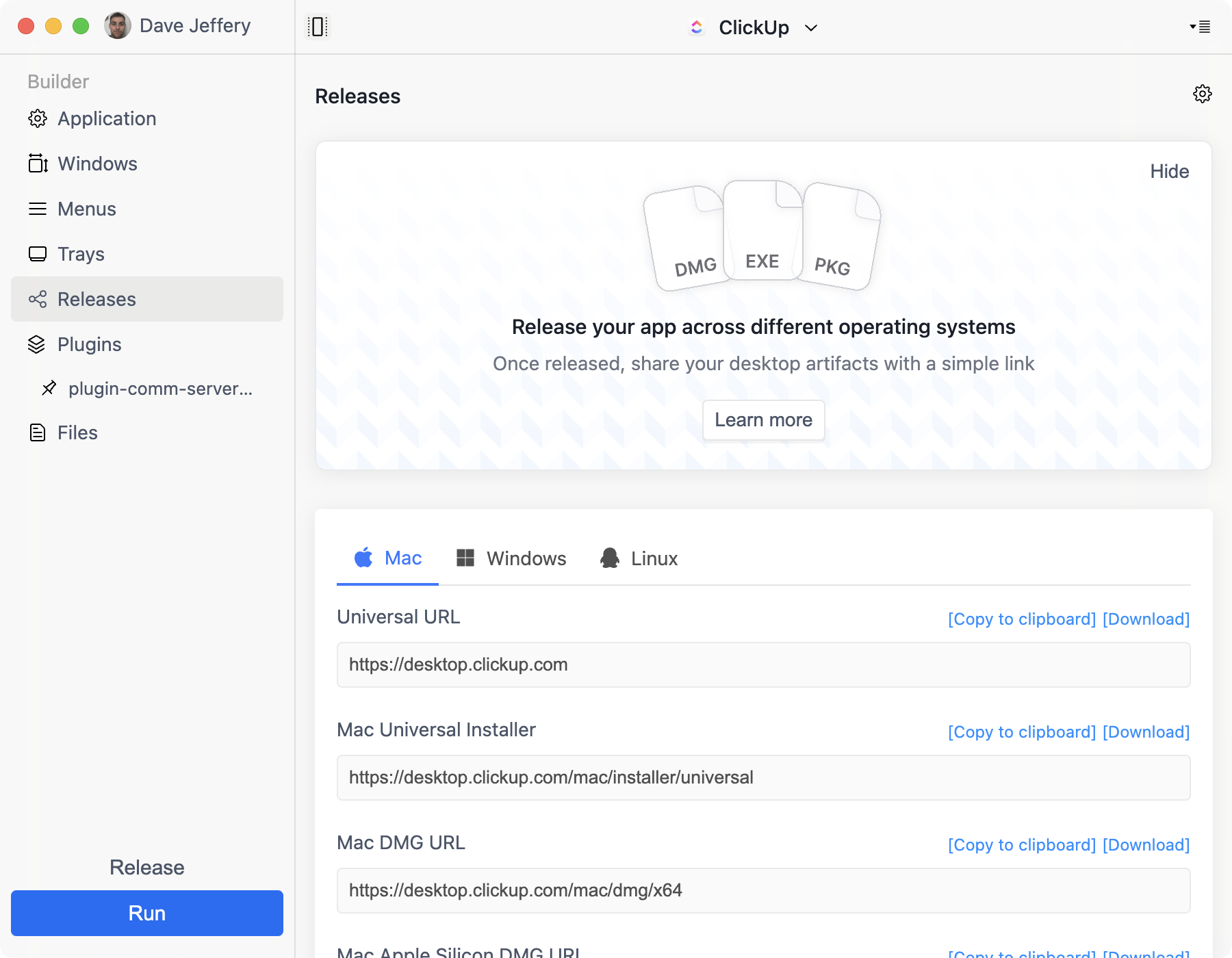
One-click will publish your desktop app to your customers and give you a download link to put on your website.
To Desktop handles the details
Native Notifications

Auto Updates
We’ll ensure the underlying browser is up to date and deliver performance improvements, security patches, & additional features.
Plugins

Access to Native APIs
ToDesktop ensures the underlying browser, performance improvements, security patches and additional features are always up to date.

Customizable look and feel
Native Installers
We even provide a magic link which will detect your users operating system & download the most up to date version of your app.

Download Analytics
•Global Hotkeys
•Custom Menus
•Multi-window support
•Trays
•Deep Linking
•Launch at Startup
•Screen Recording
•Code Signing
•Offline Support
•Customer Stories

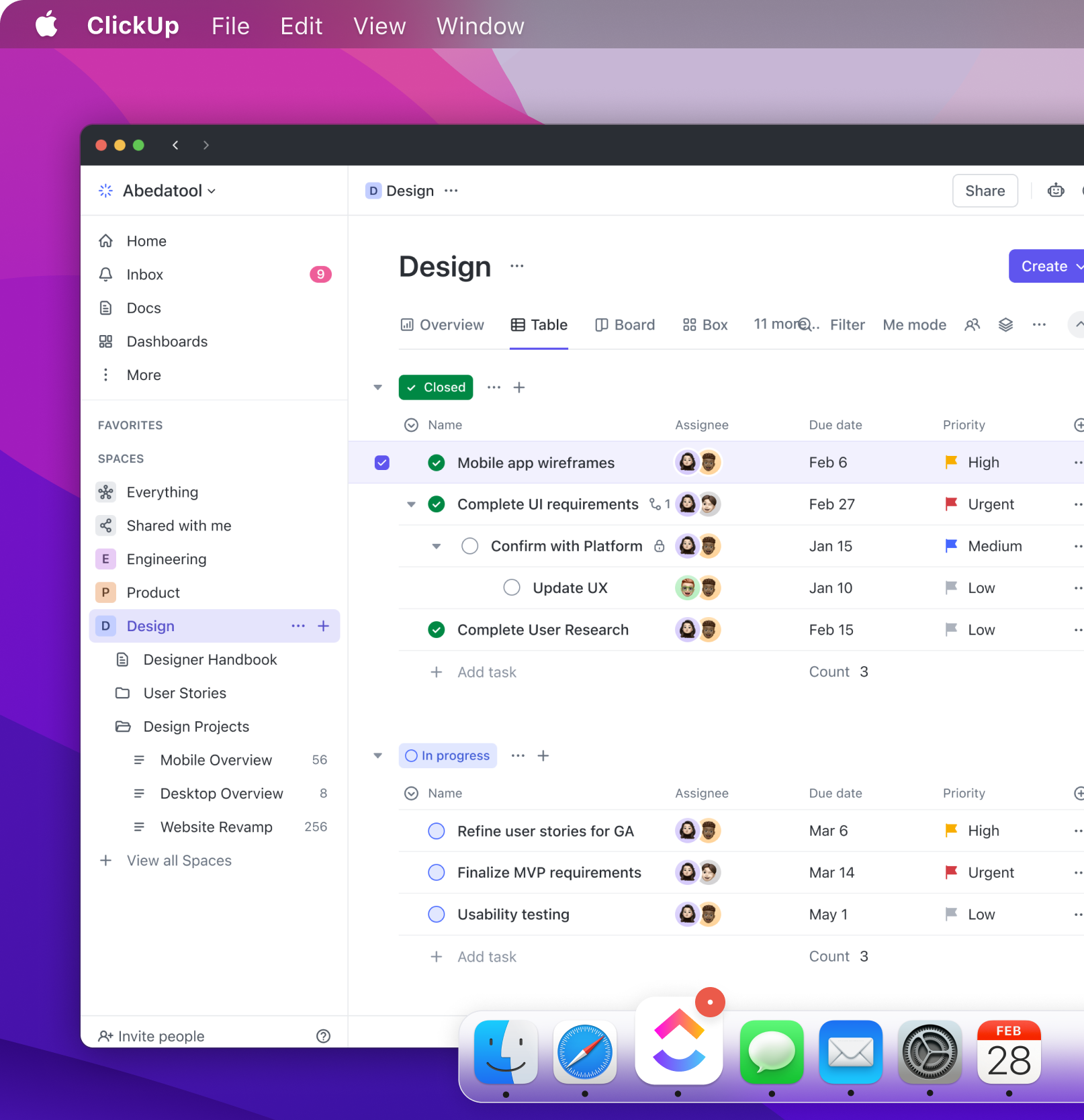
ClickUp used ToDesktop to get their desktop app in front of customers in days instead of months.
“ToDesktop provided us with a polished desktop app in no time. Their expert team guided us through a smooth migration from our outdated legacy desktop app, enabling us to deliver to our customers within days.”

Zeb Evans
Founder & CEO, ClickUp
Native APIs
“What sets ToDesktop apart is its seamless integration with native APIs using our existing web codebase. By tapping into APIs like Tray and Notifications, we've crafted an exceptionally polished desktop user experience. ”


Rick Pastoor
RiseNative APIs
“What sets ToDesktop apart is its seamless integration with native APIs using our existing web codebase. By tapping into APIs like Tray and Notifications, we've crafted an exceptionally polished desktop user experience. ”
Rick Pastoor
RiseNative APIs
“What sets ToDesktop apart is its seamless integration with native APIs using our existing web codebase. By tapping into APIs like Tray and Notifications, we've crafted an exceptionally polished desktop user experience. ”
Rick Pastoor
RiseCreate your desktop app for free*
ToDesktop Builder will take you step-by-step through the process of creating your first desktop app in just a few minutes.
*You can create a desktop app and run it on your computer for free. You will only be charged if you want to create a distributable app for your customers.
FAQs
Is Desktop For Me?
That depends! If you would like to distribute your web app to your users as a downloadable desktop app then ToDesktop is for you.
Will my app work offline?
Think of ToDesktop as a normal browser that is just for your website. Your website will work exactly as it does in Chrome, or any other browser.
Can i try ToDesktop without buying?
Yes. You can get started by downloading ToDesktop Builder at no cost. After installing it, you can build your desktop application and preview it by clicking the “Run” button. This allows you to test the app on your own computer to ensure it performs to your expectations.
Which version of Electron/Chromium is used?
ToDesktop is currently based on Chromium 118 and Electron 27. When Electron releases a new version you can expect us to update it shortly after. We prioritize security fixes and endeavour to release them as soon as possible. All updates are pushed out to all your users over auto-update.